banner_image

The Ultimate Pokémon Card Scanner & Collection Tracker

Meet Dex — your all-in-one companion for mastering the Pokémon TCG. Instantly scan cards with stunning accuracy, effortlessly track and showcase your collection, discover must-have additions, and stay updated with real-time card values. Packed with powerful features to elevate your collecting experience, Dex makes managing your growing library fun and effortless.
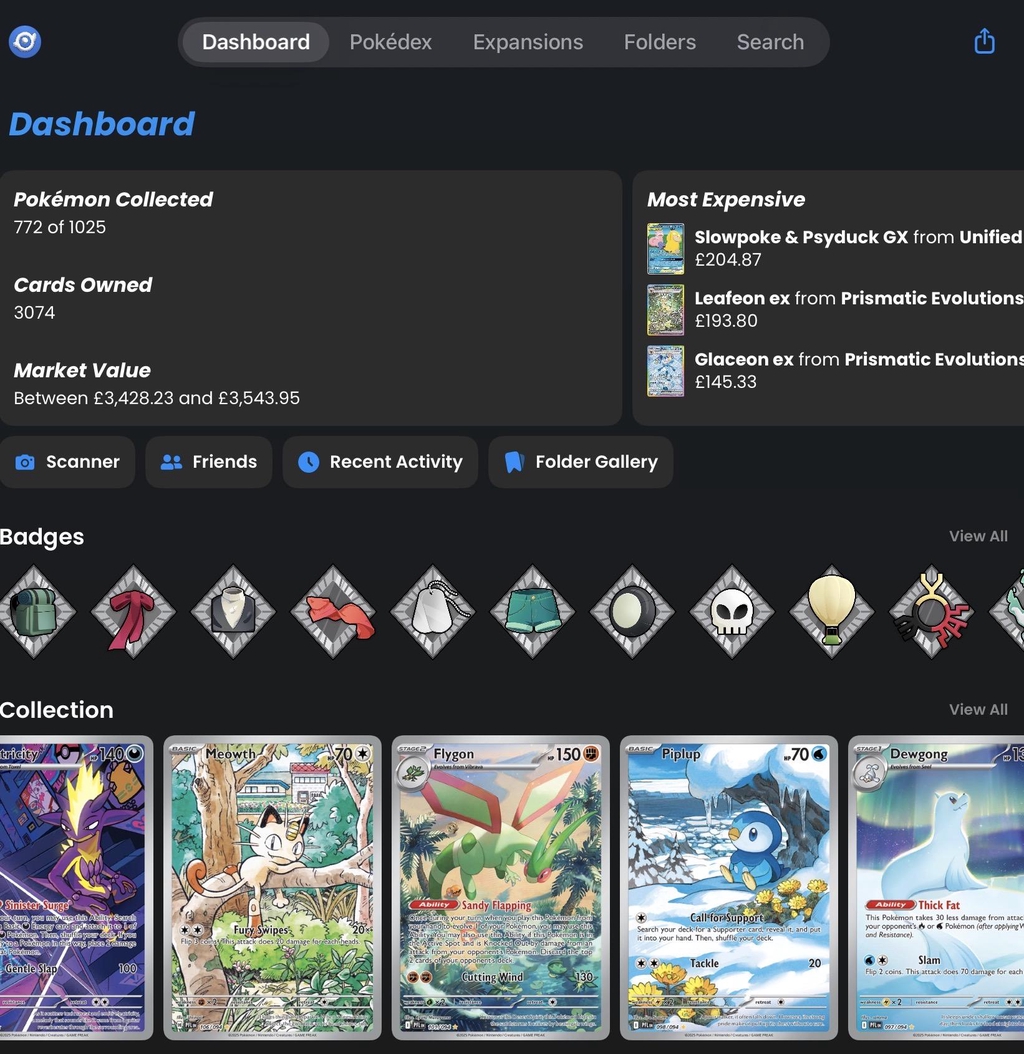
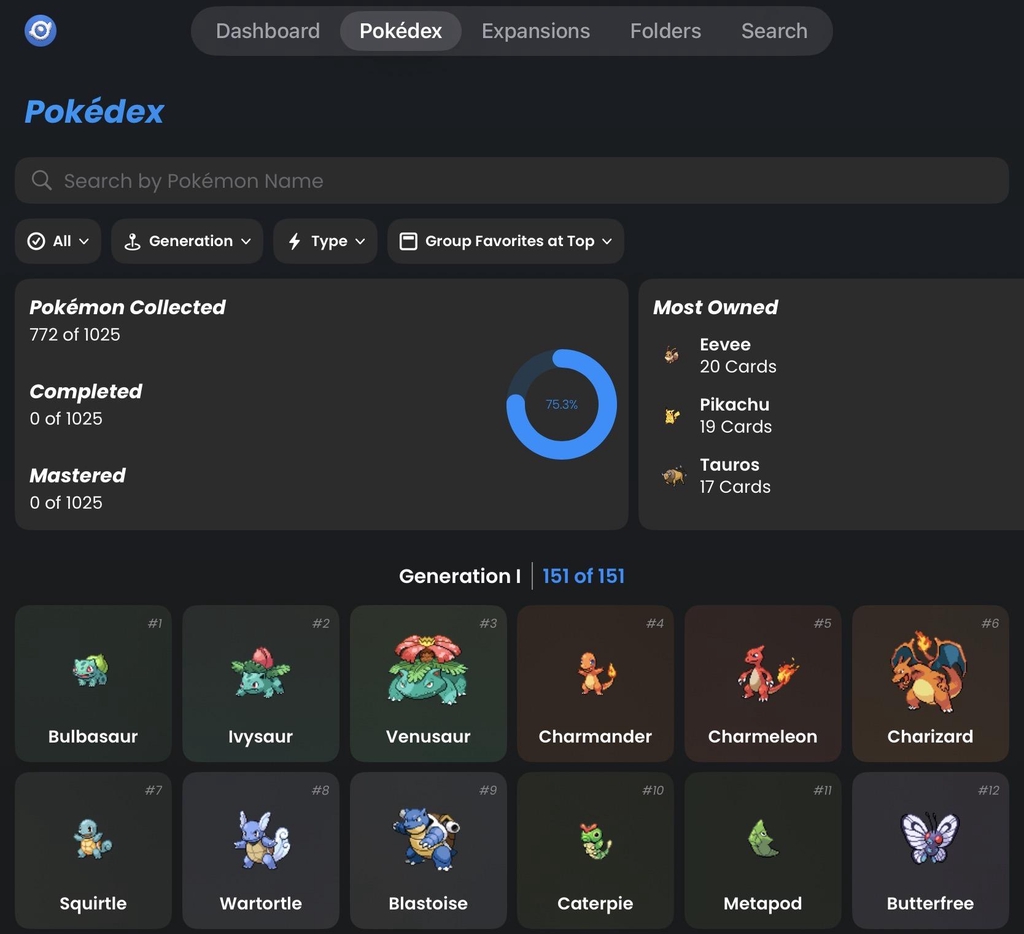
Dex Web App
banner_image

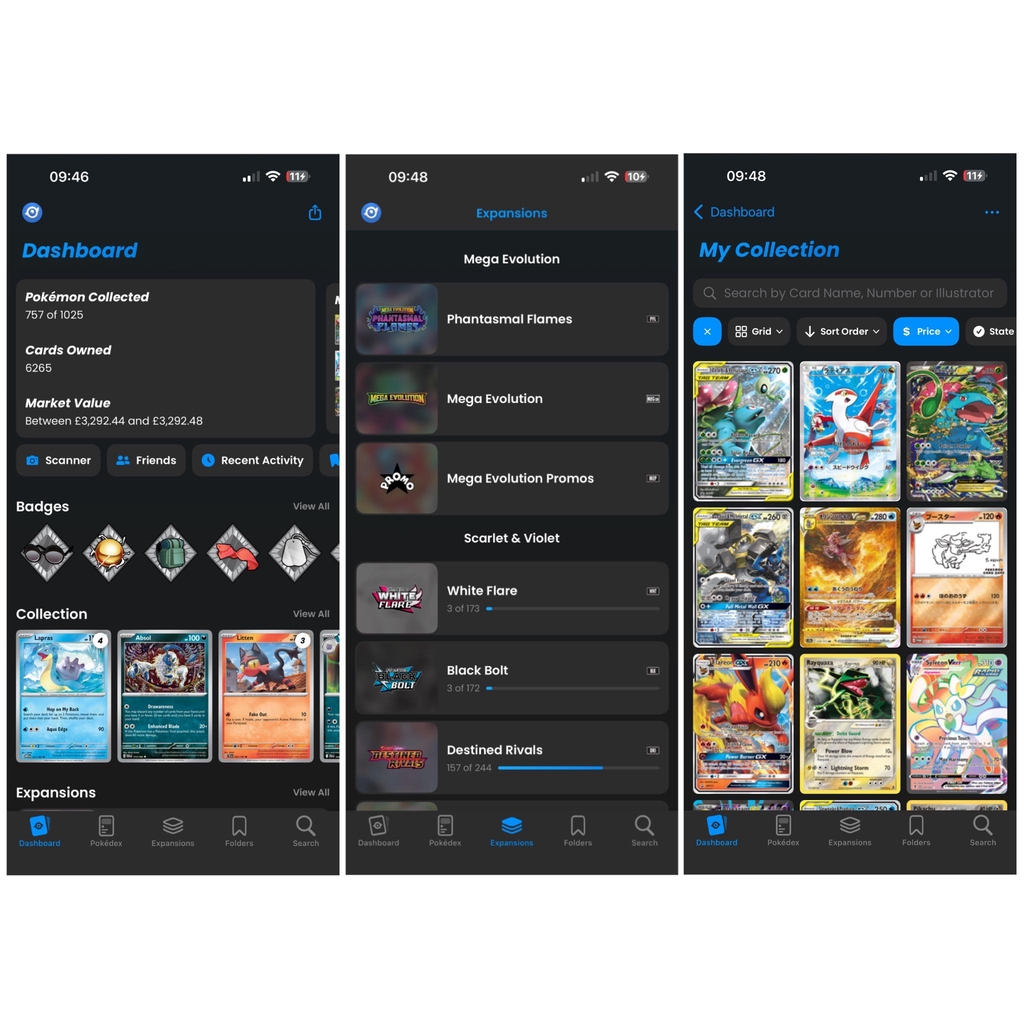
What is the Dex App Dashboard For?

The Dex app dashboard is your central hub for everything related to your Pokémon TCG collection. It gives you a quick overview of your activity and helps you manage your cards more easily. From the dashboard, you can:

See your collection at a glance total cards, sets completed, recent additions, and trends.Check card values instantly view price changes and see what’s rising or dropping.Access your tools quickly jump straight to scanning, searching, uploading, or managing your wishlist.Track your progress see how your collection is growing over time.

We can’t upload everything to the site, but you can browse our full Dex account through the link below. If anything catches your eye, feel free to contact us via email or WhatsApp.

Check Wise Dex Collection
banner_image

What is the Pokédex Section For?

The Pokédex section is where you can explore every Pokémon in the TCG universe. It works just like a traditional Pokédex, but focused on cards and collectible info.

Browse all Pokémon — see every species from every generation.

Check card variations — view different artworks, sets, rarities, and printings.

Learn about each Pokémon — including types, evolutions, and TCG-specific details.

Find cards you’re missing — quickly identify which versions you still need for your collection.

Jump straight to market data — view prices or listings for any Pokémon’s cards.


banner_image

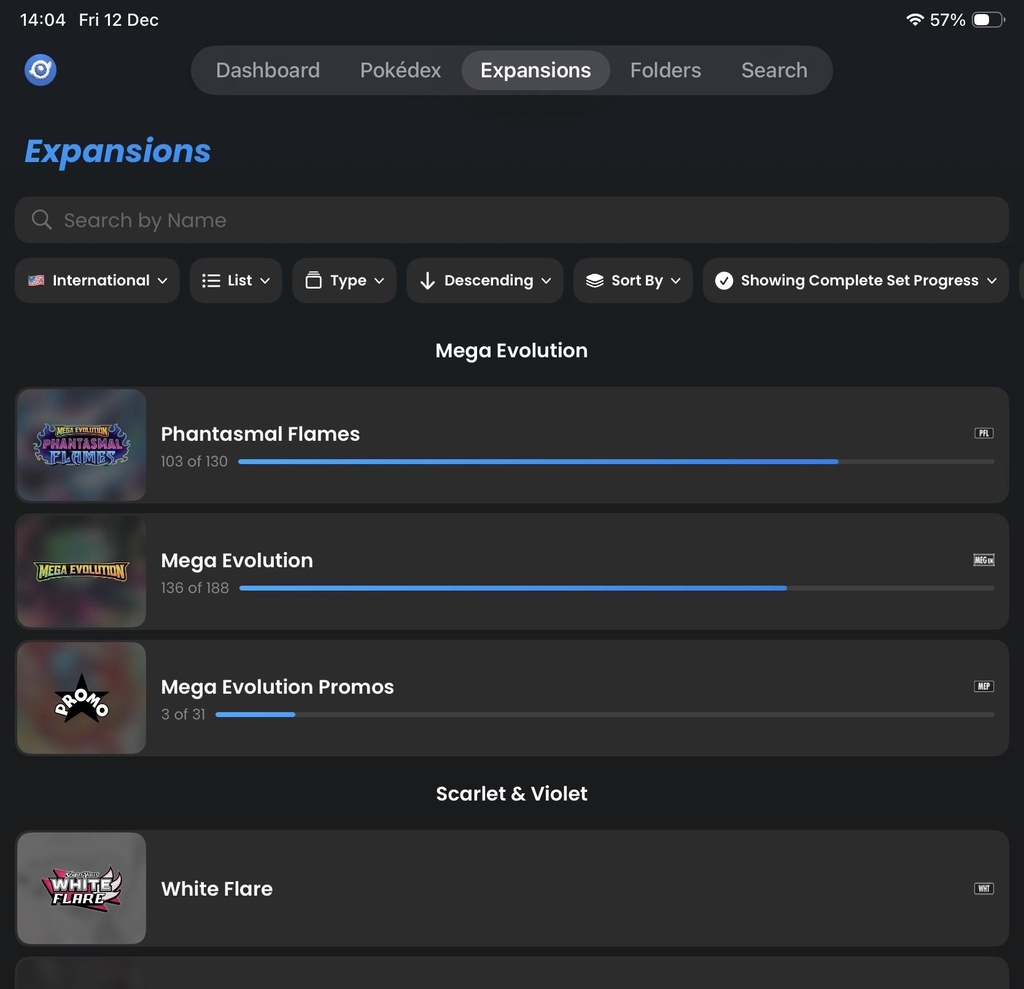
What is the Expansions Section For?

The expansions section lets you explore every Pokémon TCG set ever released. It’s designed to help you understand, track, and complete sets with ease. In this section, you can:

Browse all TCG sets — from classic vintage releases to the newest modern expansions.

See every card in each set — including rarities, promos, secret rares, and variants.

Track your progress — instantly see which cards you own and which ones you’re missing.

Check card values — view the latest prices for any card in the expansion.

Discover set details — release dates, card counts, symbols, and key highlights.


banner_image

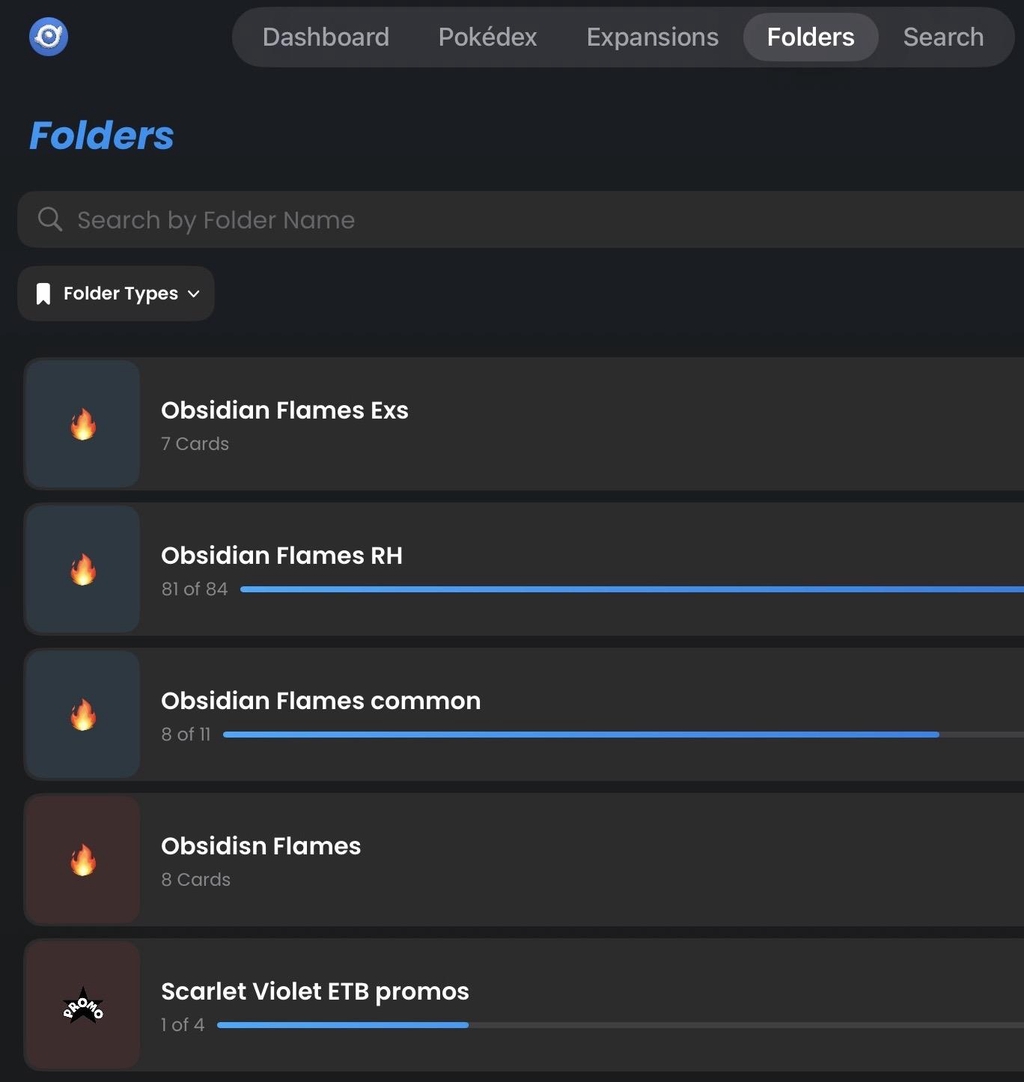
What are Folders for?

The folders section is where you organise your Pokémon cards into custom groups. It’s designed to help you sort, plan, and showcase your collection however you like. In this section, you can:

Create your own folders — group cards by set, rarity, favourite Pokémon, trades, sales, or anything you choose.

Keep everything organised — quickly access specific parts of your collection without scrolling through everything you own.

Track goals — make folders for cards you’re trying to complete, upgrade, or sell.

Share folders easily — show specific selections to friends, buyers, or your community.

Stay flexible — you decide how your collection is structured; the system adapts to you.


banner_image

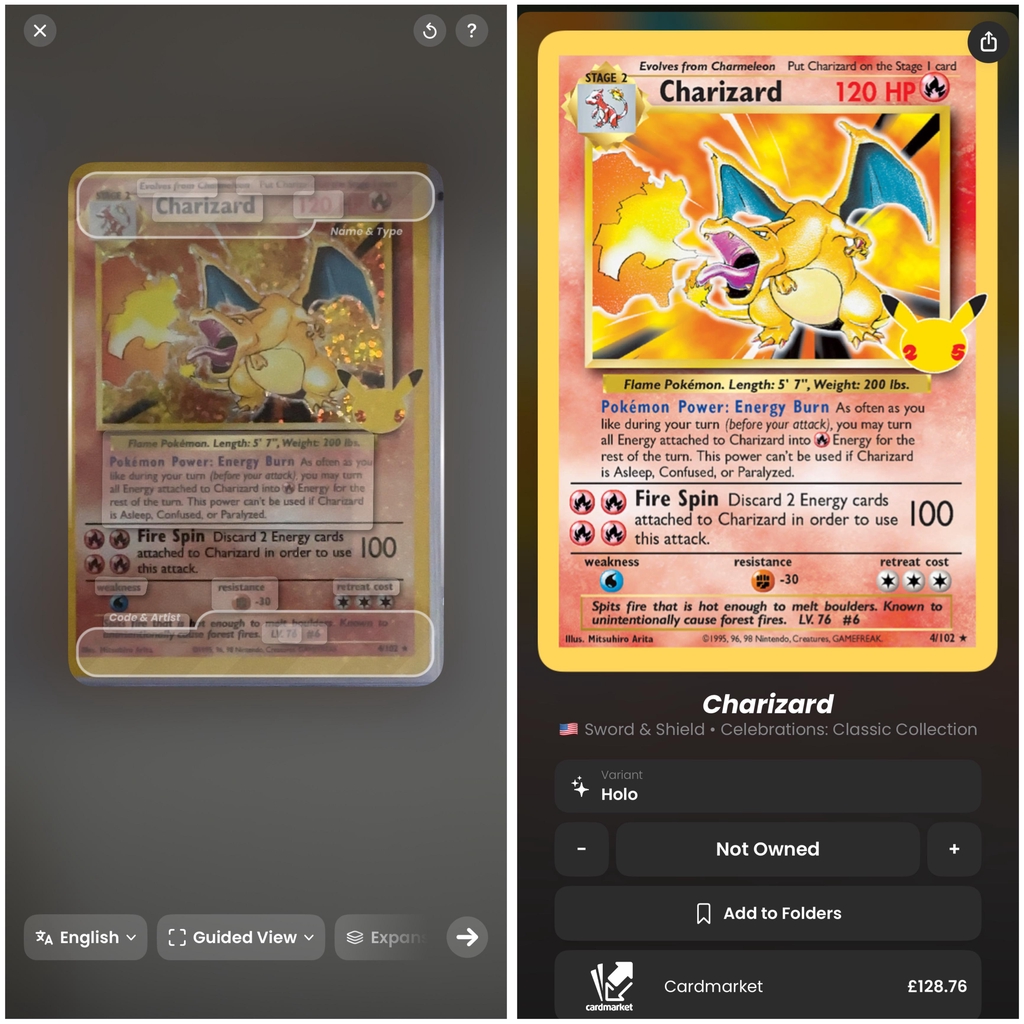
The Scanner

The scanner is your fastest way to add and identify Pokémon cards. Instead of typing or searching manually, you just point your camera at a card and the app does the rest. With the scanner, you can:

Instantly identify any card — including set, number, rarity, and variant.Add cards to your collection in seconds — no manual entry needed.Check current market values the moment the card is scanned.Quickly verify trades or purchases — scan to confirm authenticity and details.Speed up large uploads — perfect for scanning multiple cards back-to-back.


Shopping Cart

    Your cart is empty